
One order source
Agree the inbox, form or structured feed, required fields and supported product formats.
Order automation
Turn an incoming order into checked details and an assigned next step. We connect your order source, stock records and warehouse tasks so your team spends less time retyping information. Shortages and unclear details go to the right person before work is released.
An order arrives in an inbox. Someone copies its details, checks stock in another tool and chases a purchasing or fulfilment decision. When the same order exists in several places, it becomes harder to know what can move forward.
After the stock check
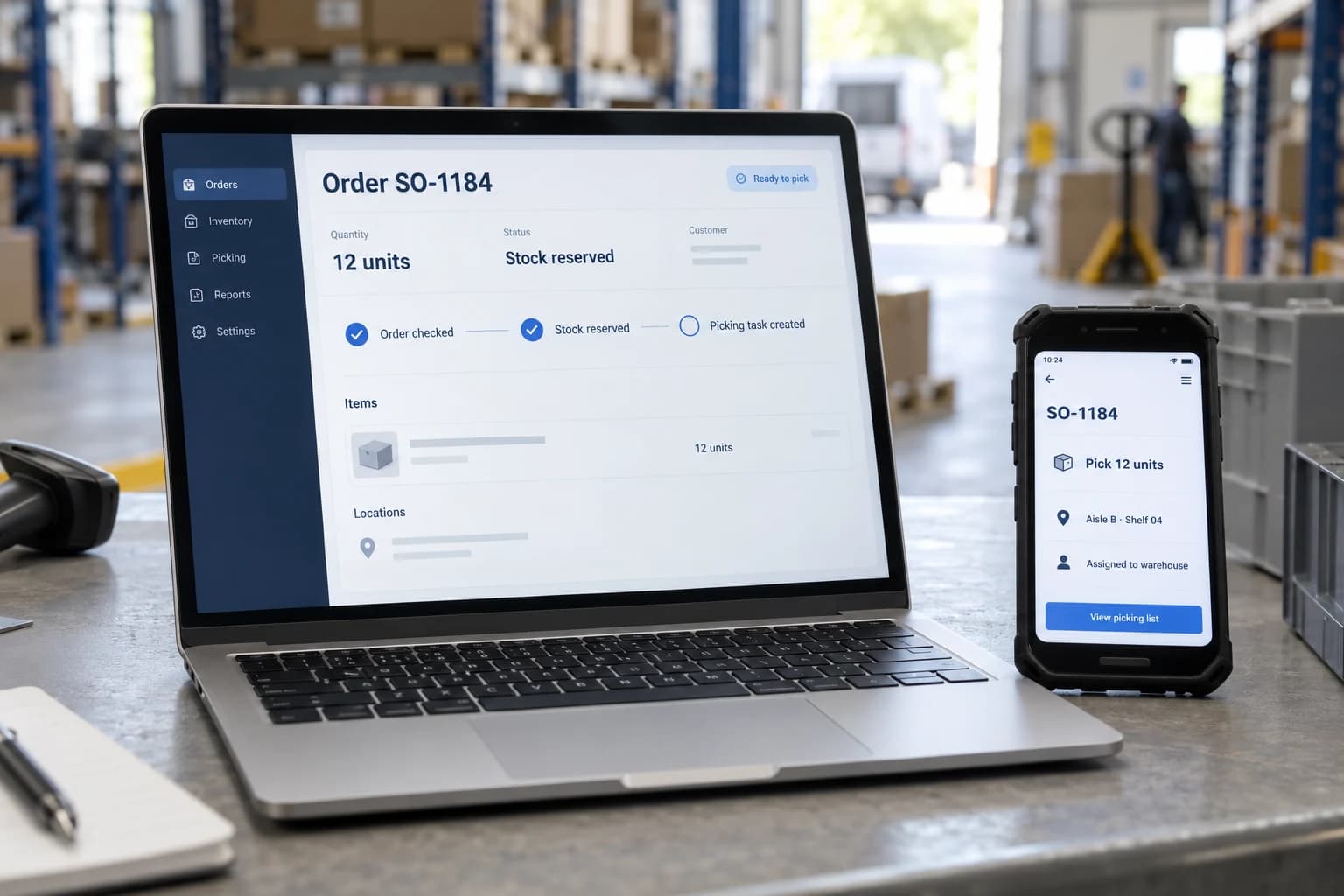
When an order is ready, the warehouse needs confirmed quantities, a stock location and delivery instructions. We connect the checked order to the picking task so those details do not have to be entered again.
This separate example shows 12 units already reserved. Orders with a shortage stay on hold until the responsible person agrees what happens next.
Office records and warehouse tasks stay linked through the same order reference.
From handoff to next step
The systems, rules and review points are agreed during discovery.
Intake
Keep the original email or form alongside the proposed order.
AI-assisted
Suggest product, quantity and delivery details from unstructured text. Flag unclear values.
Integration
Match customer and product identifiers, check duplicates and retrieve available stock.
Human review
A named owner decides on shortages, substitutions or uncertain details.
Rule-based
Create the approved next step and record its outcome before preparing a customer update.
A focused first build
Agree the inbox, form or structured feed, required fields and supported product formats.
Define the stock-owning system, freshness requirements and when availability must be rechecked.
Define who can release an order, how repeated requests are recognised and where failed updates are resolved.
Keep source details, validation results, decisions and the downstream record reference together.
Stock reservations, purchasing and customer messages require agreed permissions and supported system access. AI extraction does not authorise an order or guarantee availability.
Check how your systems could connectEvidence before expansion
Measure the current process first. Set acceptance thresholds together, then compare the pilot against representative normal and exception cases. These are proposed measures, not promised savings.
Example and boundaries
The guided 14/12 sequence includes extraction, validation, approval or rejection, a failed-save retry and receipt before fulfilment.
Open the operations demoScope questions
Start with the process and its exceptions, then establish what the systems can support.
No. A pilot can start from a form or structured system feed. Structured inputs may not need AI; the source and rules determine the design.
Agree when to recheck or reserve stock using the source system’s supported features. An earlier snapshot should not be treated as a fulfilment guarantee.
We agree reliable request identifiers and customer and product matching rules. A repeated request should not create another order. Missing or conflicting details go to a reviewer, with the original request available, before stock is reserved or a downstream action is released.
Yes. These are business decisions to scope explicitly. A reviewer can inspect the request and current records, then approve a permitted next step or reject it. An AI suggestion is not authority to buy stock, substitute a product, or make a delivery promise.
Bring representative orders, the systems that hold customer and stock records, and examples of exceptions. We agree one starting source, required access, success measures, costs, and a manual fallback.
Next step
Tell us how the request arrives, which tools it passes through and where your team needs to intervene.
Discuss your workflow