

Problem explainers
When is a spreadsheet workflow ready for automation?
Keep the spreadsheet if it still helps people think. Look more closely when it becomes a queue, an approval system or a daily copy-and-paste job.
A spreadsheet can be exactly the right tool. It's quick to change, easy to inspect and useful while a team is still working out what a process should be.
The question changes when the sheet becomes the process: a place where requests wait, colours mean approval and one person remembers which rows need chasing.
You don't need to replace every spreadsheet. You need to decide which parts are useful analysis and which parts are repetitive coordination.
Look at what happens around the cells
Suppose an office uses a sheet to track service bookings. A coordinator copies details from email, checks a calendar, colours the row when a technician accepts and sends the customer a confirmation.
The calculation isn't the difficult part. The handoffs are. The sheet has become an inbox, a status tracker and a reminder system without explicit rules for any of them.
Ask what happens when the coordinator is away. If another person can pick up the work from the visible record, the process may already be manageable. If they need a long explanation of colours and side notes, document those rules first.
| Situation | A sensible next step |
|---|---|
| Occasional analysis by one person | Keep the sheet and make the inputs clear |
| Useful process, inconsistent columns | Standardise the structure and ownership |
| Repeated copying and predictable routing | Investigate a focused automation |
| Every row needs a different judgement | Clarify the decision before automating it |
Check whether the rules are stable
Can the team describe when a row is ready for the next step? Does “approved” mean the same thing to everyone? Is there one owner for correcting mistakes?
If these answers change every week, software may simply freeze an argument into code. You might get more value from a cleaner sheet, a shared checklist or an existing task tool first.
A stable rule doesn't have to cover every case. It needs a clear normal path and a way to identify the cases that fall outside it.
Count the repetition, then look at the consequences
Record how often the task happens, how long a typical handoff takes and who gets involved. Use a sample week rather than the most frustrating day you can remember.
Time is only part of the decision. A rarely repeated handoff might matter because a missed approval delays dispatch. A frequent task might still be easy enough that a custom build would add more maintenance than it removes.
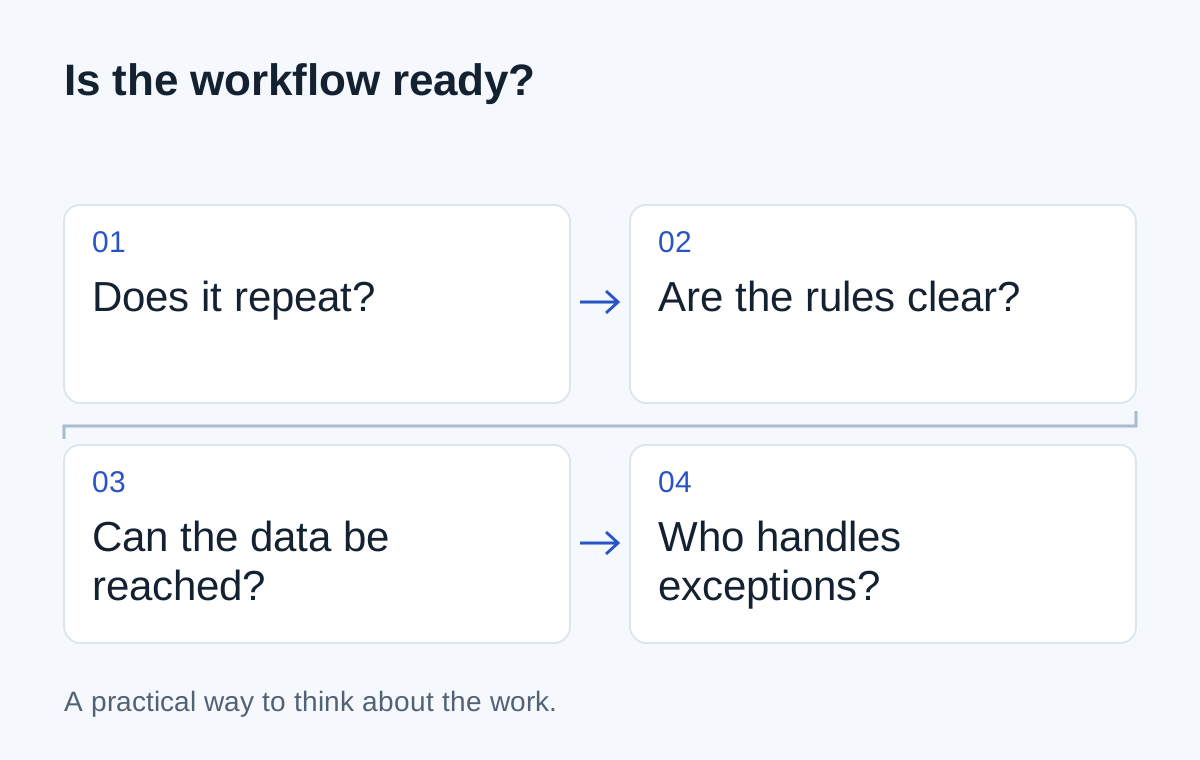
- 01Repeated work
- 02Agreed rules
- 03Accessible source data
- 04Someone owns exceptions
Automate one edge of the sheet first
In the booking example, start with incoming requests. A form could create a structured record and assign it to the coordinator. The team can still use the familiar sheet while that part is evaluated.
Next, consider whether accepted bookings can create calendar entries. Define what happens when the slot is taken or a customer changes the date. A connection should not silently overwrite someone else's booking.
Before choosing a tool, write down one trigger, one finished state and one exception. If you can describe those clearly, you have the start of a useful automation brief. If you can't, the next step is a process conversation, not a purchase.
Next step
Have a similar situation in your business?
Tell us how the work happens today and where it gets difficult. We can help you work out a useful next step.
Talk through your situation