

Problem explainers
Why does your team enter the same information three times?
Repeated typing is often a sign of a missing handoff. Follow one record to find out whether the fix is a connection, a clearer rule or a simpler process.
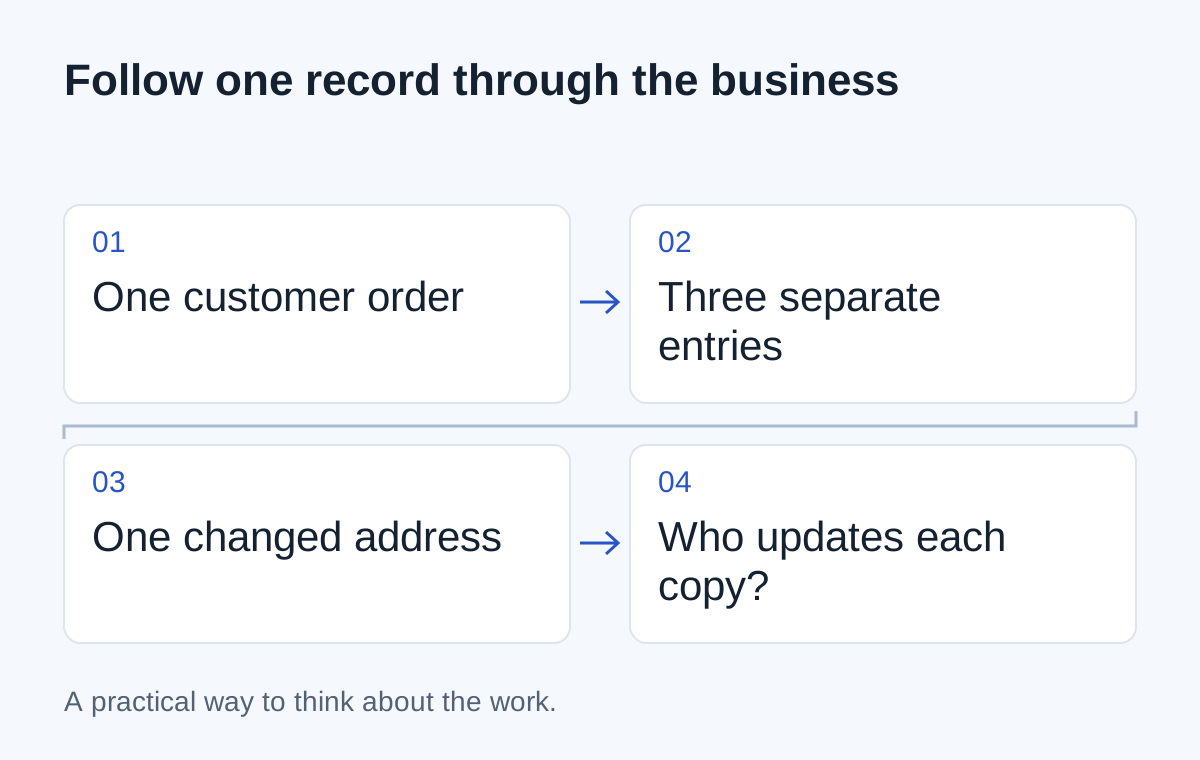
A customer sends a purchase order. Someone types the details into the order system, copies them into a warehouse sheet and sends an email to finance. Later, the customer changes the delivery address. Now three places need updating.
Nobody designed a job called “keep these systems in agreement.” It grew around the tools the business already had.
Before buying another tool, follow one record through that journey. The repeated typing is the visible part. The reason behind it is what you need to find.
Sometimes the connection is missing
The order system may know everything the warehouse needs, but have no configured way to send it. An export or a supported integration might remove that handoff.
Check what the destination actually requires. Perhaps it needs the order reference, delivery address and quantities, but not customer pricing. Sending an entire record because it's convenient can create unnecessary access and maintenance problems.
- 01Customer sends an order
- 02Order system is updated
- 03Warehouse sheet is copied
- 04Finance gets a separate email
The goal is to carry a useful reference between systems so people can tell they are looking at the same order. That is more dependable than matching records by a customer name that can be written three different ways.
Sometimes the business rule is missing
Two tools may already exchange data, yet staff still check every order manually. Ask what they are checking.
Maybe the delivery address in the CRM is the account's default address, while the purchase order gives the address for this shipment. If nobody has decided which one to use, moving data faster won't settle the question.
Write the distinction down. “Account address” and “delivery address for this order” are different facts. A clear rule may remove more rework than another connector.
Sometimes the second copy is a decision
A person might be re-entering an order only after checking stock or getting approval for a price. Automating the copying without preserving that check could release work too early.
Ask the person doing the task what makes them stop. Those answers show you where the workflow needs a decision, a validation or a route for an exception.
| What you observe | What to investigate |
|---|---|
| Exactly the same fields copied | A supported data handoff |
| Values changed before copying | A transformation or unclear definition |
| A pause before the second entry | An approval or operational check |
| Copies disagree later | Who owns changes and how they spread |
Start with one field and one change
Take an order that was recently amended. List everywhere its delivery address appeared. Ask who was expected to update each copy and how they knew the update was needed.
Then sketch a better path: the approved address changes in one place, the other systems receive the update and a failed handoff becomes visible to an owner. If dispatch has already started, the change should take a different route rather than quietly overwriting the warehouse instructions.
You don't have to automate the entire order process to make progress. One reliable handoff can remove a recurring nuisance and teach you what the next connection needs.
Next step
Have a similar situation in your business?
Tell us how the work happens today and where it gets difficult. We can help you work out a useful next step.
Talk through your situation