

Problem explainers
Could connecting two systems save you from replacing one?
A tool can do its main job well and still leave your team with manual work. Separate a poor product fit from a poor connection before deciding.
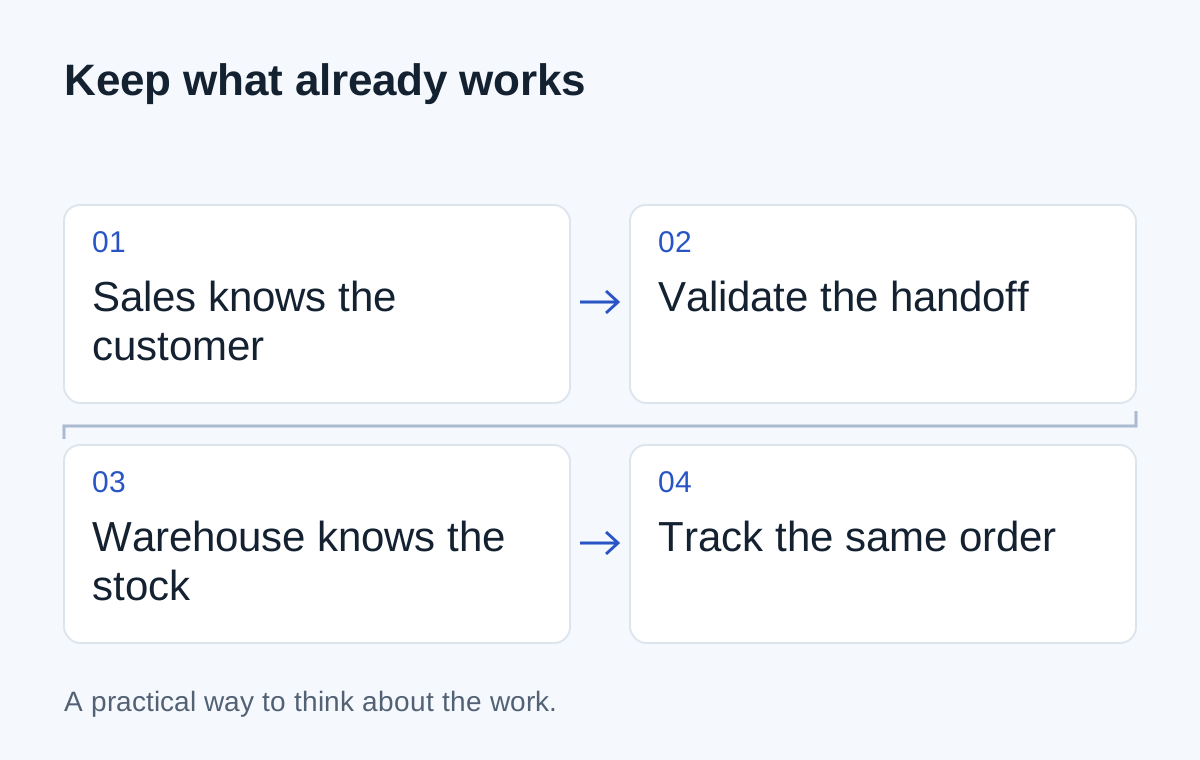
The warehouse likes its inventory system. Sales likes its CRM. The trouble starts when an accepted quote needs to become an order: someone copies the details, checks product codes and calls back when something doesn't match.
Replacing one system might remove the problem. It might also mean moving years of records and retraining a team that was otherwise working well.
Before deciding, ask whether the missing capability sits inside a tool or between the two.
Test the tool on its own job
Can the inventory system maintain accurate stock and reservations? Can the CRM support the way sales manages customer relationships? Do the people using them trust the records?
If the answer is yes, the tools may still have a useful future. If one system cannot support a core business rule, a connector will not fix that limitation. It may only move the problem somewhere else.
Use a recent example rather than a general satisfaction score. “We can't reserve part of an order” is more useful than “the system feels old.”
| Problem | Investigate first |
|---|---|
| A record needs retyping in another tool | A connection between the tools |
| The source can't represent the business rule | Configuration, an extension or replacement |
| The same fact has conflicting owners | A data-ownership decision |
| The vendor no longer supports required access | A supported alternative and an exit plan |
Check the connection before committing to it
Ask how each tool can send or receive the required records. Supported APIs are one route; scheduled imports or exports may be enough for work that doesn't need immediate updates.
Check the actual plan and version the business uses. Access that appears in a vendor's documentation may not be included in your subscription. Also check whether the interface supports the operation you need, rather than merely displaying the same records.
Then test how customers and products will be matched. A connection built on uncertain identifiers creates work for someone else to reconcile.
Include failures in the comparison
An accepted quote should not turn into two warehouse orders because a notification arrived twice. A changed customer address should not silently replace instructions for an order already being packed.
These details belong in the scope of the connection. Ask where a failed update appears, who sees it and how it can be recovered without repeating completed work.
- 01Accepted quote
- 02Validate customer and products
- 03Create one order
- 04Show the handoff result
Compare the next few years of work
Keeping two systems means looking after their connection. Replacing one means migration, training and a new relationship with a vendor. Neither option is maintenance-free.
Ask what would happen if a vendor changed an interface, a process gained an approval step or you wanted to leave the platform. Include ownership and access in the discussion, not just the initial build.
Try a bounded example
Choose one quote type and a test set that includes a changed address, a missing product and a duplicate submission. Check whether the connection can carry the work all the way to a visible result.
If it can, you have evidence for keeping tools that already fit. If it can't, you've learned exactly which limitation a replacement needs to solve. Either result is more useful than choosing a new platform just because the current handoff is frustrating.
Next step
Have a similar situation in your business?
Tell us how the work happens today and where it gets difficult. We can help you work out a useful next step.
Talk through your situation