

AI business guides
How to add AI without replacing your business systems
Keep the systems that own your records. Add a narrow layer that can find approved information, explain it and prepare work for review.
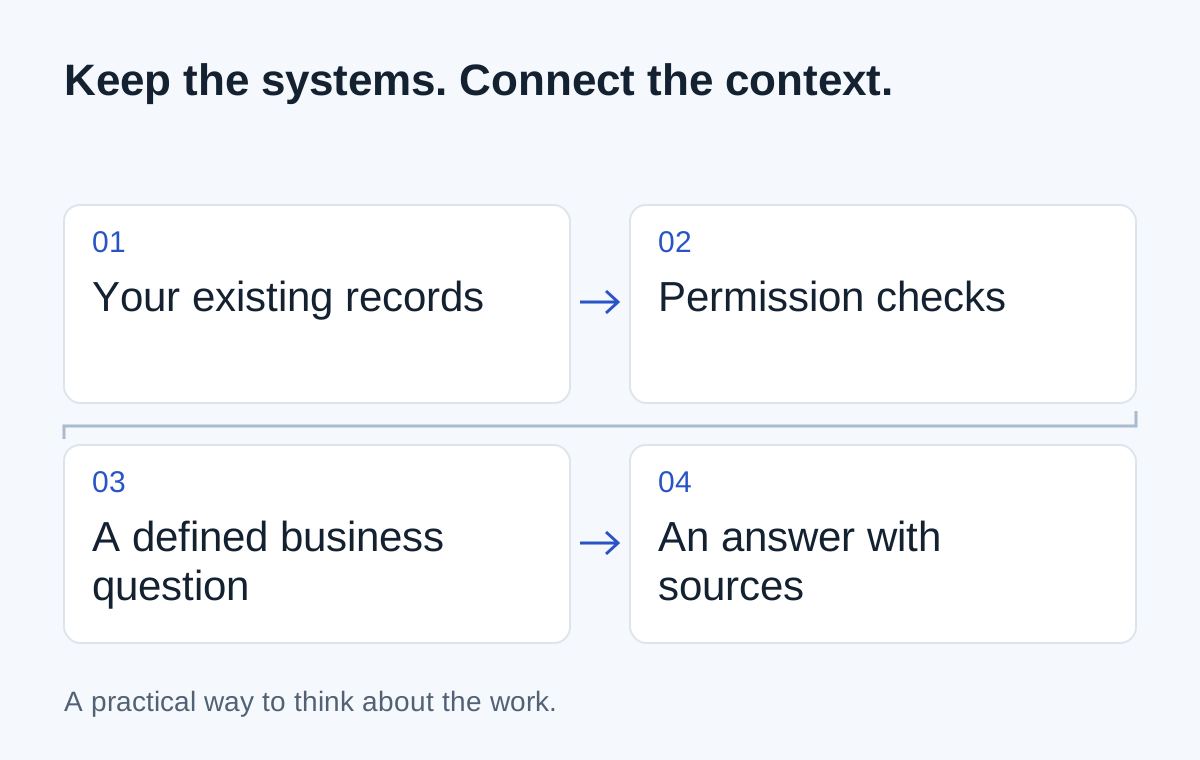
Your customer history is in the CRM. Orders are in an ERP. Delivery updates come from another tool. You want the team to ask a question across them without launching a replacement project.
That is a reasonable integration question. It doesn't require the AI system to become the new owner of every business record.
Start with one question and work backwards to the information needed to answer it.
Choose a question with a checkable answer
“Which orders are delayed?” is a better first test than “How can we improve the business?” You can define delayed, identify the source records and ask a person to compare the answer with the underlying facts.
Agree the cut-off time and status rules. An order waiting for tomorrow's scheduled collection should not appear in the same category as one that missed yesterday's promise.
Once that definition is clear, identify the smallest set of sources that can answer the question.
- 01Approved business question
- 02Read the relevant records
- 03Apply agreed definitions
- 04Answer with references
Check how the information can be reached
Some systems offer APIs for reading individual records. Others provide exports on a schedule. Documents may need a separate search or extraction step. The right combination depends on the access your tools actually support.
A nightly export can be useful for a morning summary. It may be unsuitable for a question that needs this minute's stock position. Show the update time so the reader can judge the answer properly.
Don't promise real-time answers merely because the chat window responds quickly.
Keep the source systems in charge
If inventory owns stock availability, the assistant should refer to that record. It shouldn't maintain a competing version because the information appeared in an earlier conversation.
For a total such as today's order count, use a defined query or calculation over the agreed records. The language model can help explain the result; it need not invent the arithmetic or decide what “today” means.
| Part | Job |
|---|---|
| Existing business system | Own the authoritative record |
| Connection and access checks | Retrieve only the permitted information |
| Agreed query or business rule | Define the count, status or comparison |
| AI interface | Explain the result and prepare a useful response |
Start with answers, then consider drafts
A first version could show six delayed orders with references and the last update time. A later step might draft messages for the responsible account owners.
Before adding that draft, decide what information it may include and who reviews it. Sending a message, changing a booking and making a payment are different capabilities. Each deserves its own decision about authority and recovery.
This is the kind of connected context the Vale AI examples explore: useful information inside a business workflow, with a visible next step.
Test the questions it cannot answer
Try an unknown order, a record the user should not see and a delivery feed that has stopped updating. An honest “I can't confirm that from the available records” is more useful than a confident promise based on incomplete information.
Compare a representative set of answers with the source records before expanding access. Include the effort needed to investigate mistakes and maintain the connections when you assess the result.
You can bring a small brief to the first discussion: one question, the systems holding the answer, the people allowed to ask it and the action that should remain with a person. That is enough to begin checking feasibility without replacing the software your team already knows.
Next step
Have a similar situation in your business?
Tell us how the work happens today and where it gets difficult. We can help you work out a useful next step.
Talk through your situation