

AI business guides
What should an AI assistant be allowed to access?
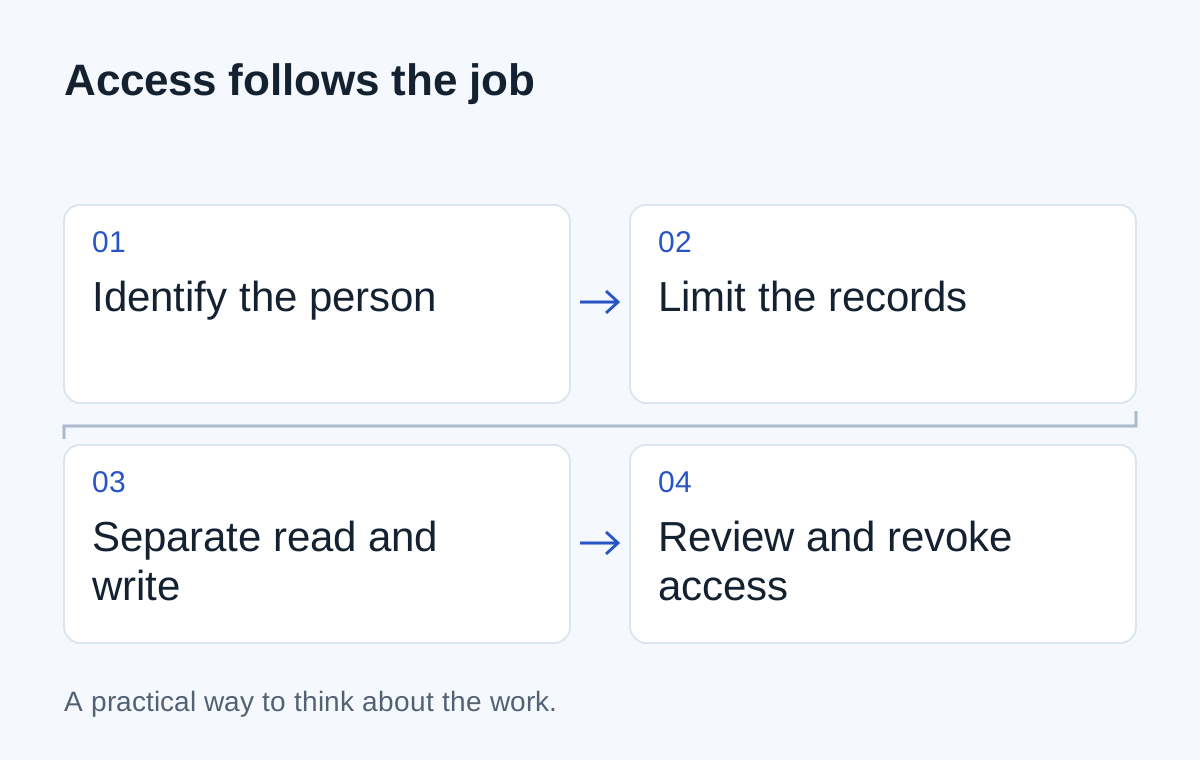
Start with one job and give it the smallest useful set of records and actions. Read access, draft preparation and permission to act should be separate decisions.
You want an assistant to answer questions about late deliveries. During setup, someone asks for access to the entire CRM, the shared drive and the finance system “so it has enough context.”
Pause there. Which records does a late-delivery answer actually need?
Probably an order reference, a promised date, a dispatch status and perhaps a contact name. It may not need sales notes, payroll files or the ability to edit an invoice.
Write down the job before granting access
Describe one task in a sentence: “Show the operations team which of their orders are past the promised dispatch date.” List the records needed to answer it and identify who is allowed to see them today.
The assistant should work within those boundaries. Microsoft describes least privilege as granting only the access required for the job. That is a useful starting principle for a connected assistant too.
Don't treat a broad technical permission as a business decision already made. If the available connector is too broad, ask whether the application can enforce a narrower boundary or whether another access route is needed.
| Capability | Initial scope | Decision |
|---|---|---|
| Read orders | The user's assigned accounts | Allow within existing access rules |
| Read dispatch updates | Records linked to those orders | Allow with update timestamps |
| Prepare a customer message | A draft using checked context | Allow for review |
| Send, refund or change an order | Consequential business actions | Keep out of the first scope |
Keep enforcement outside the prompt
A sentence telling the assistant to respect permissions is not the same as restricting the records it can retrieve. Access checks belong in the surrounding application and the systems supplying information.
Ask the implementation team to demonstrate a request from someone who should not have access. The result should reveal neither the record nor private details in a summary or error message.
Also ask what happens if a document contains instructions aimed at the assistant. Retrieved material is information to evaluate, not permission to change the task or access more systems.
Make actions separately reviewable
If the assistant eventually prepares an update, the reviewer should see exactly what will change. “Proceed?” is too vague for a message to a customer or an amendment to a booking.
Show the target record, the proposed values and the person authorising the action. Recheck permissions when the action is performed, since access or the record itself may have changed since the draft was prepared.
- 01Identify the user
- 02Retrieve allowed records
- 03Show the proposed action
- 04Check authority before execution
Plan for access to change
A person leaves a team. A customer moves to another account owner. A connector is no longer needed. Ask how those changes reach the assistant and how access can be revoked.
Keep an appropriate activity record so someone can investigate an unexpected answer or action. Decide what belongs in that record and how long it should be kept; don't quietly turn every private conversation into permanent diagnostic data.
Before connecting the first system, ask for a short access map: who can ask, which records they can use, which actions are possible and who approves them. If that map is unclear, adding more information is unlikely to make the assistant more dependable.
Next step
Have a similar situation in your business?
Tell us how the work happens today and where it gets difficult. We can help you work out a useful next step.
Talk through your situation